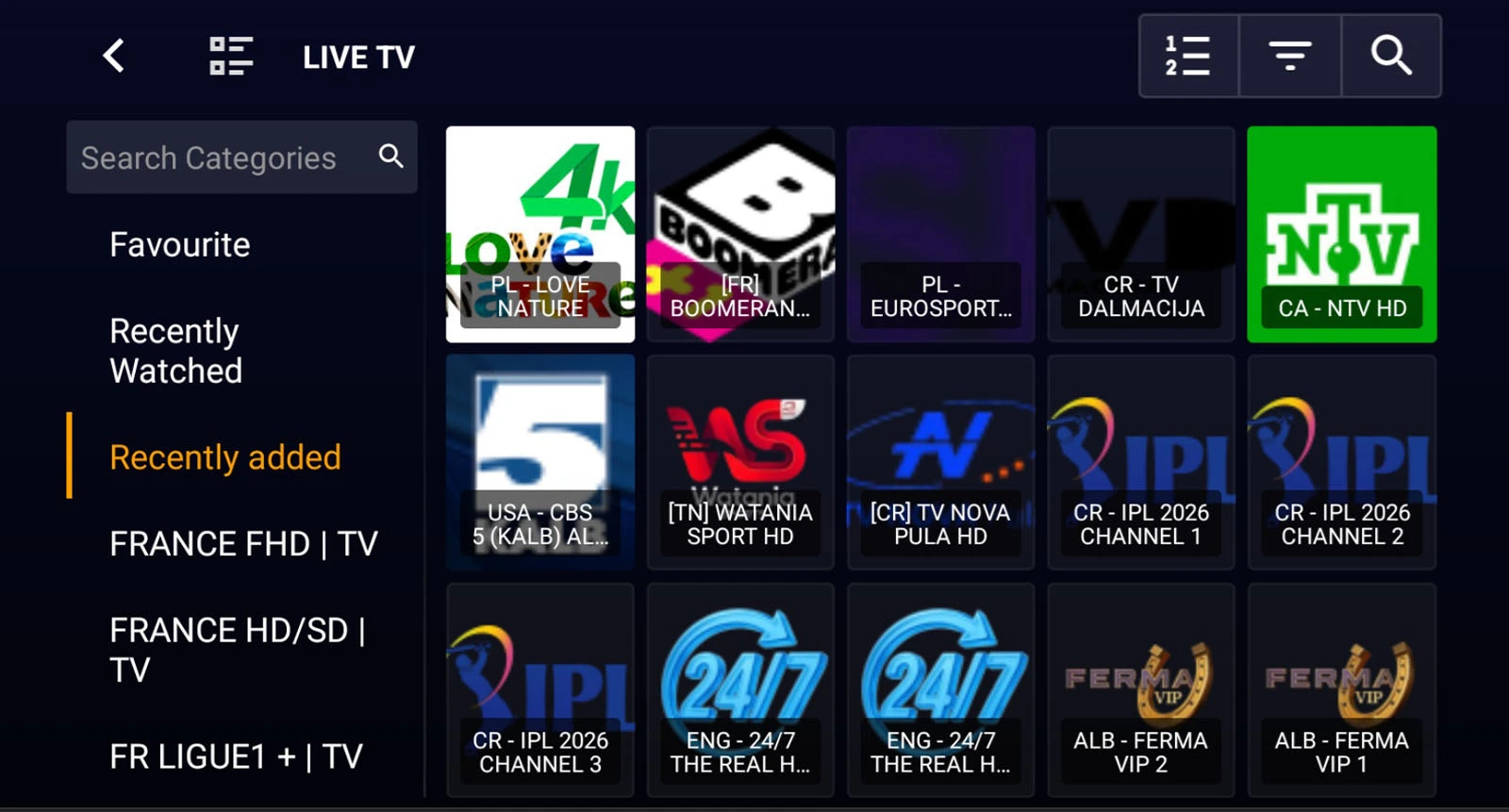
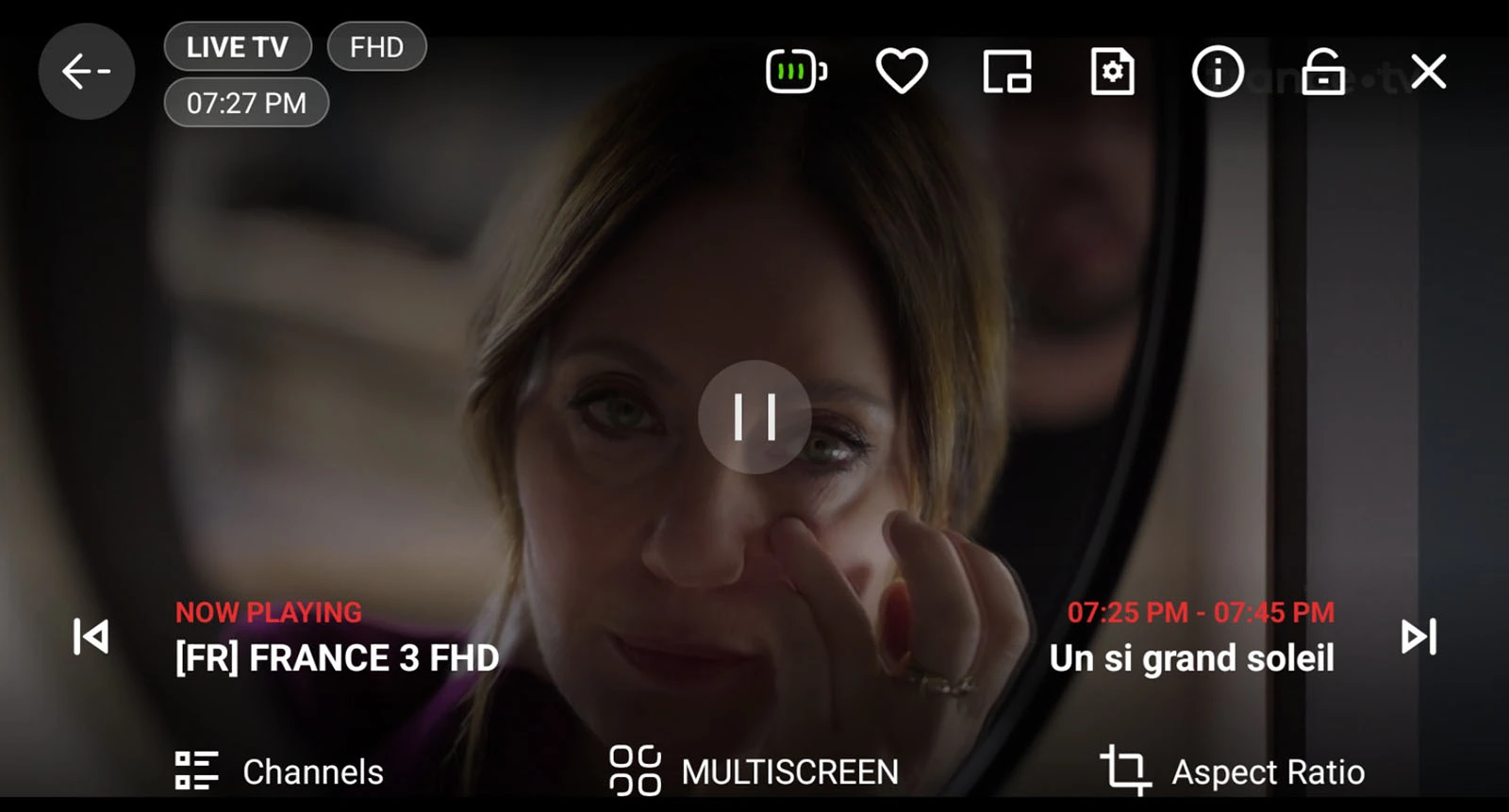
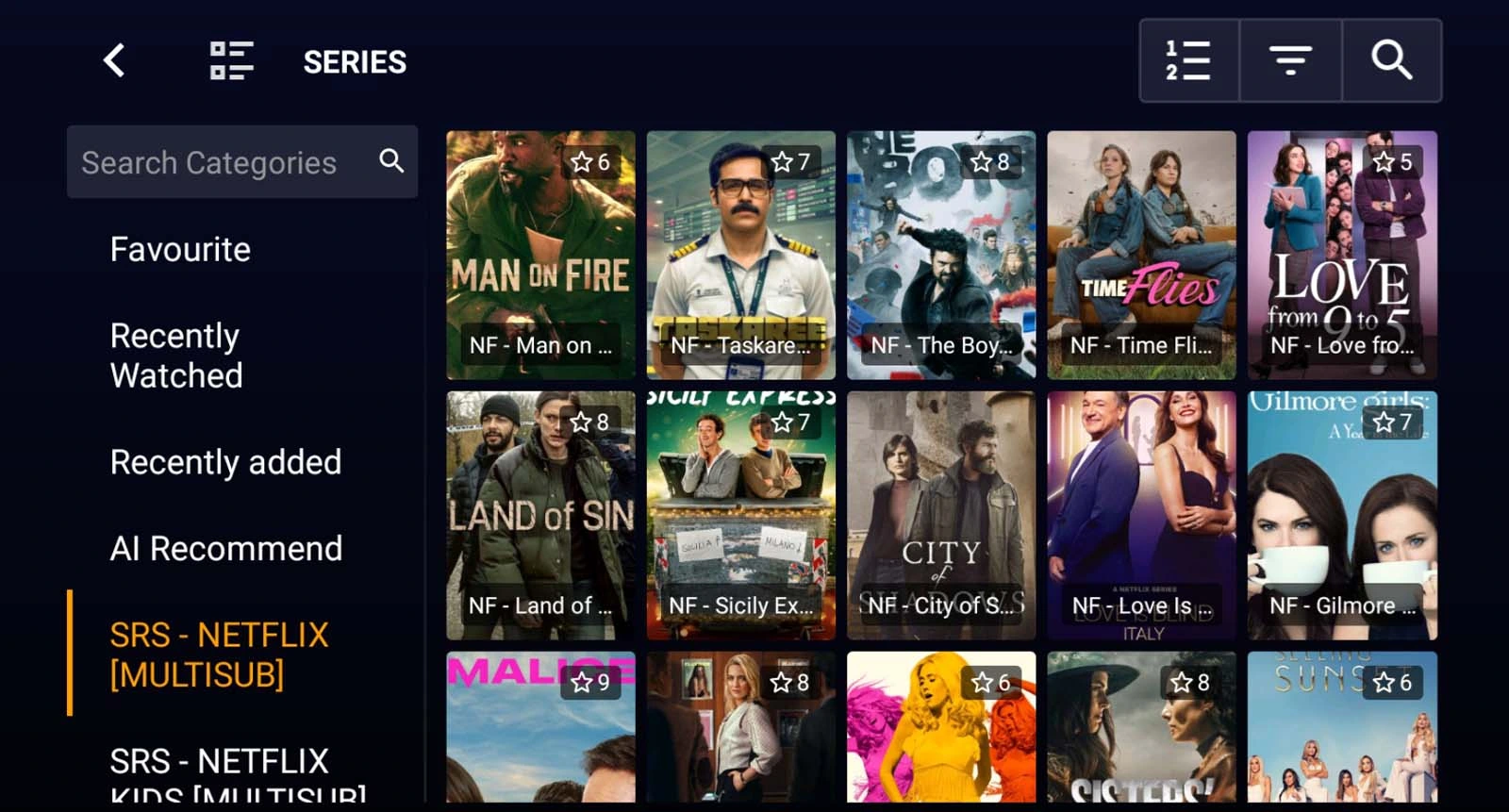
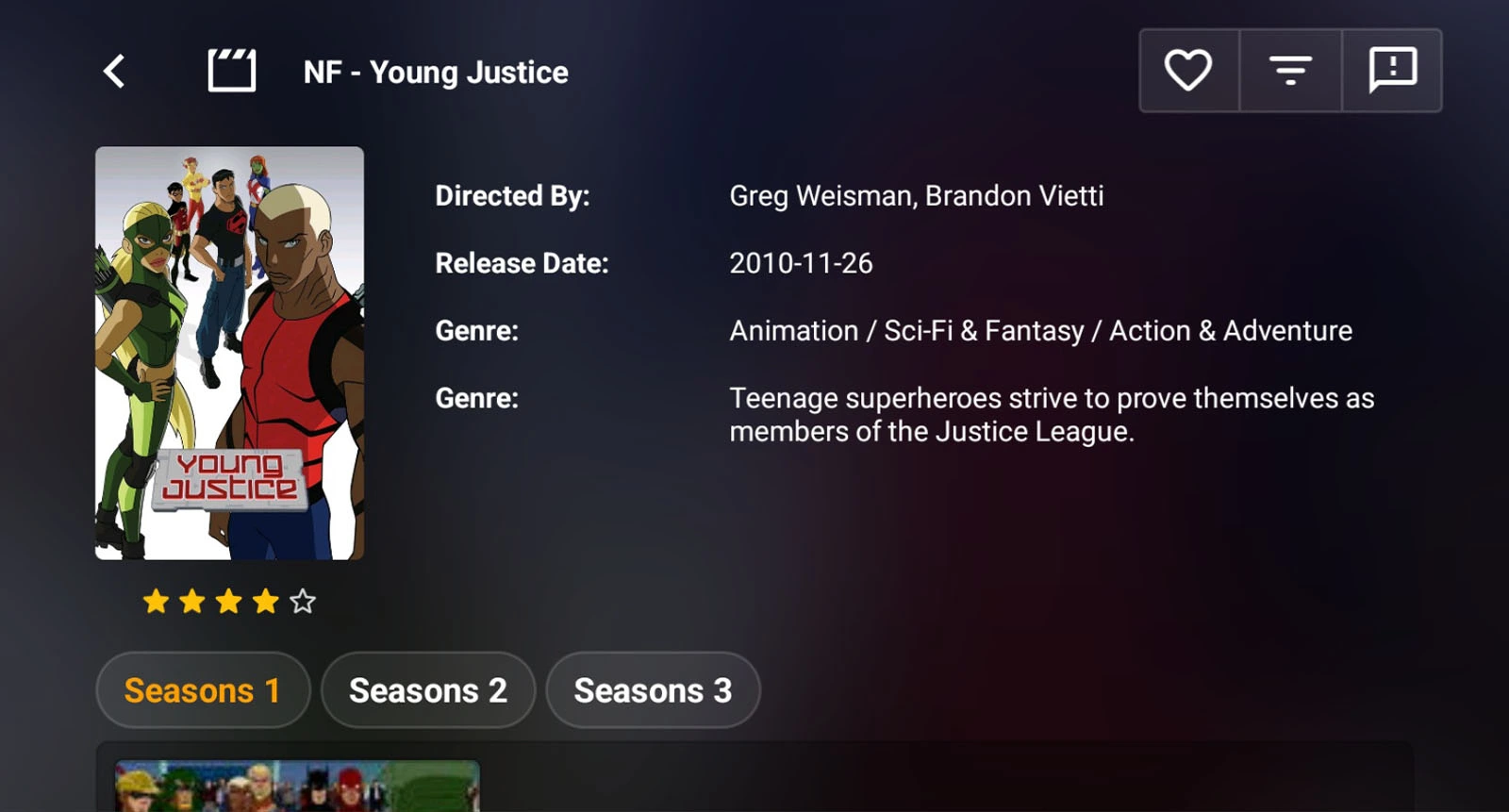
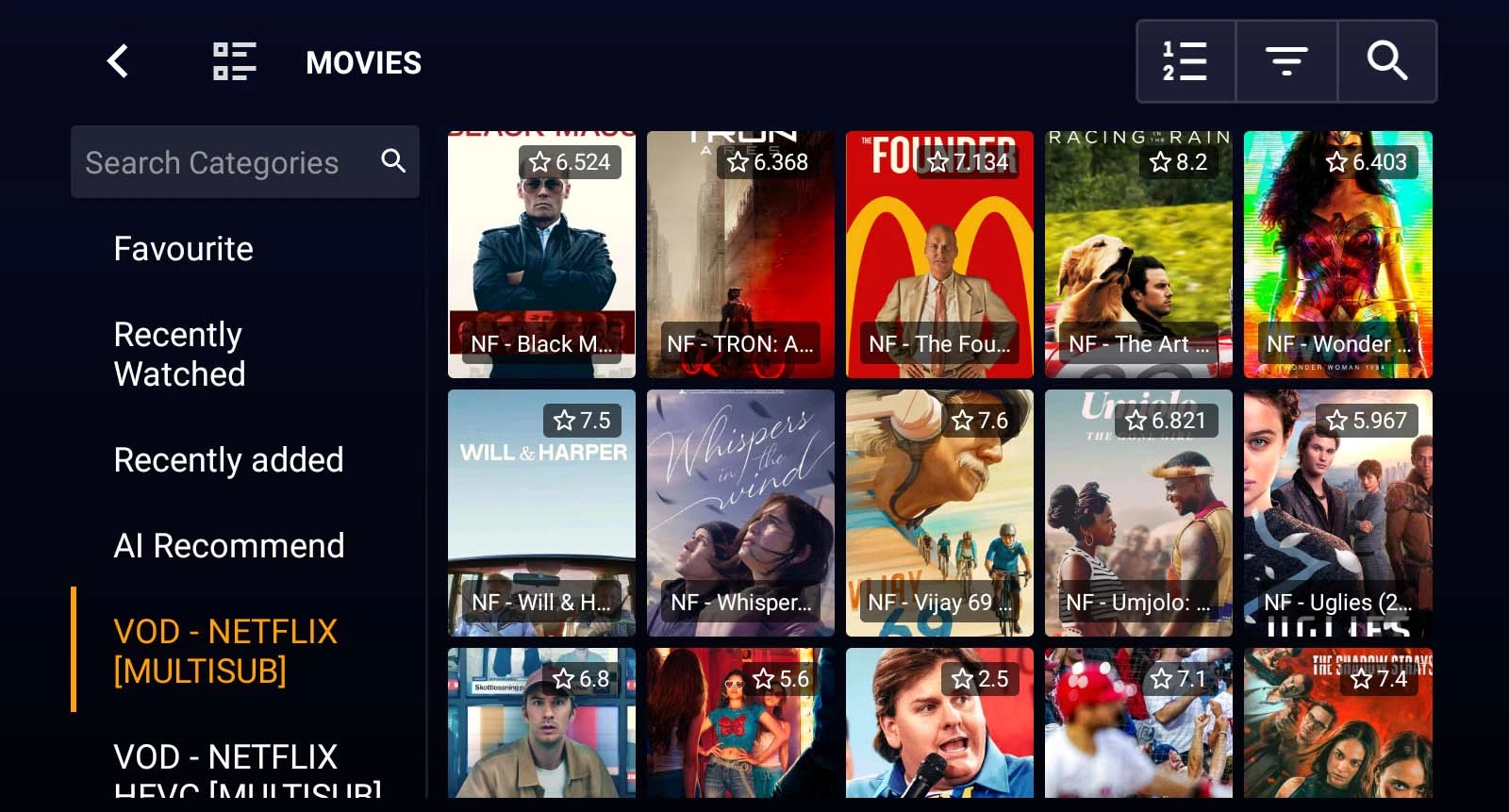
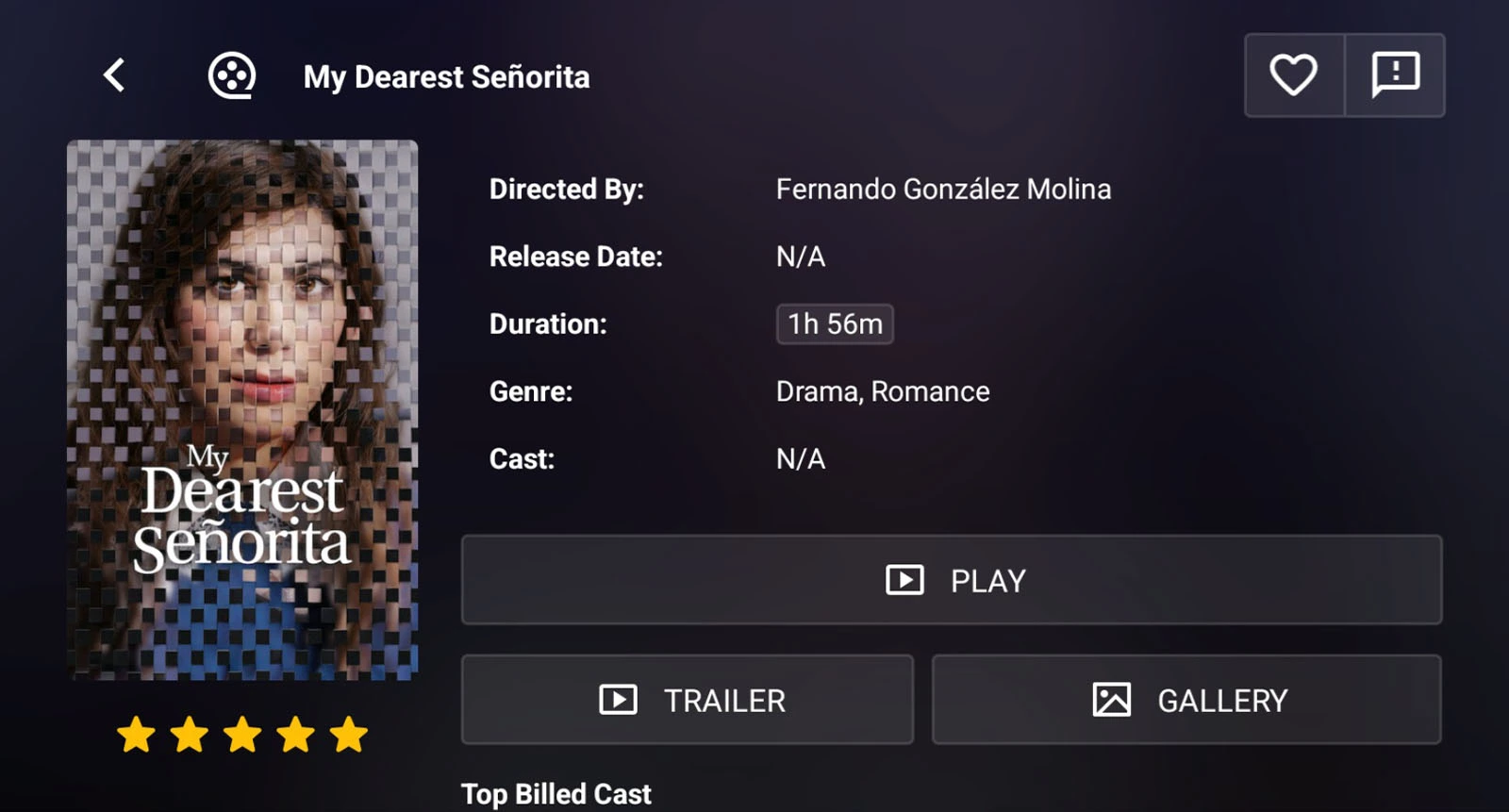
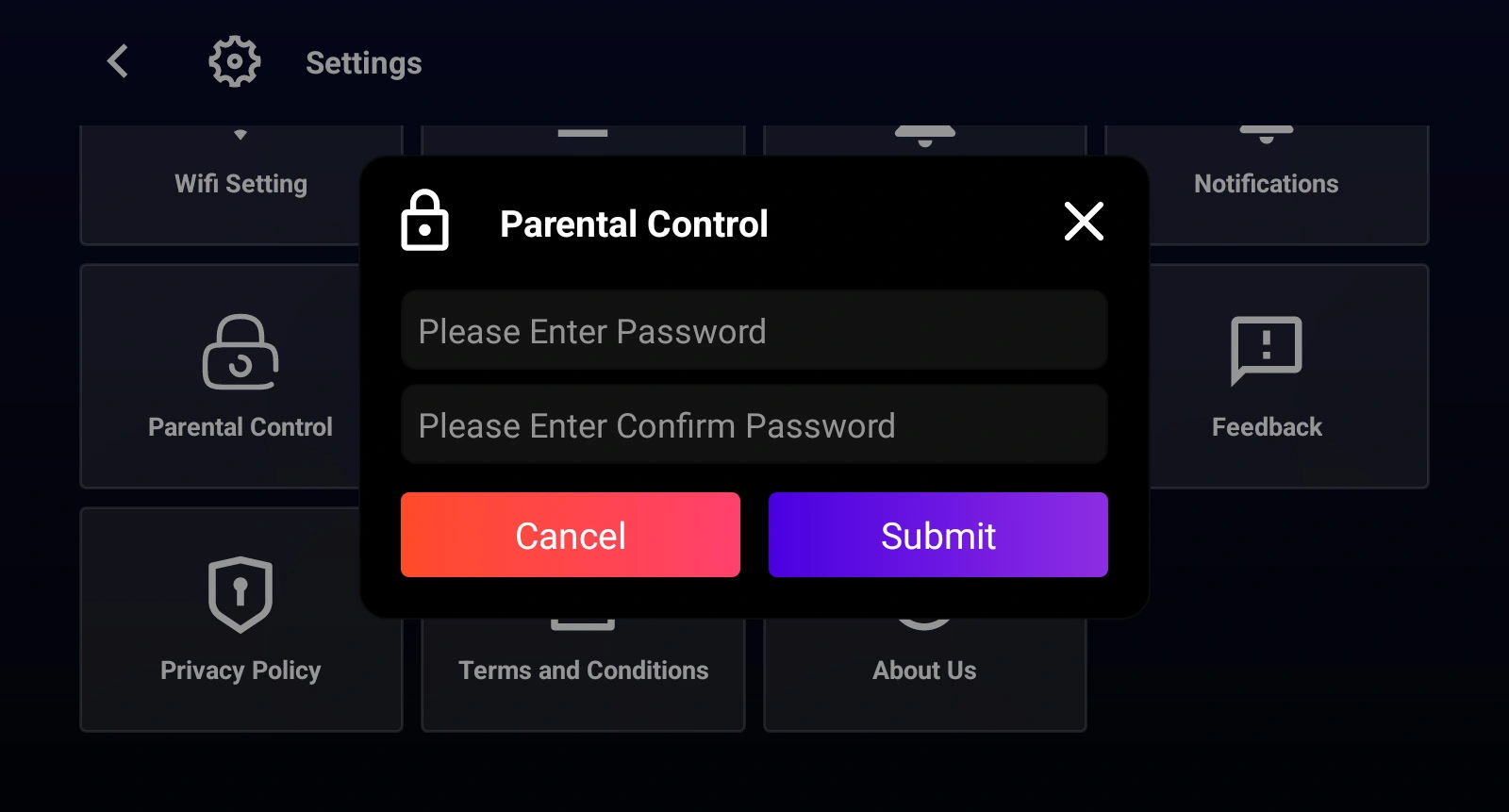
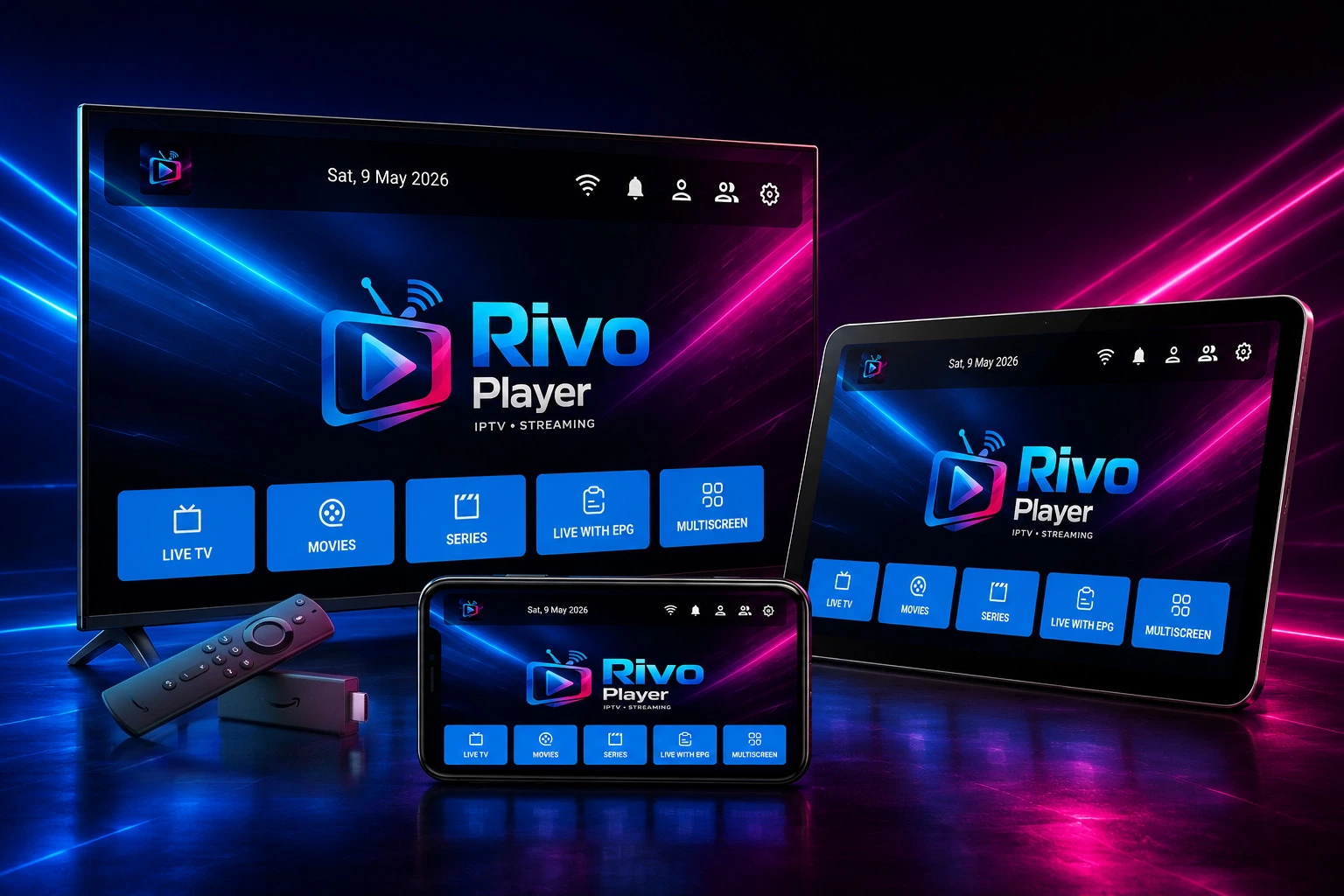
Fast, modern and optimized Media player supporting Xtream Codes API and M3U playlists. Designed for the big screen with a beautiful, TV-remote-friendly interface.
Before installing the APK, you must allow installations from unknown sources on your device.
Go to Settings → Security → Unknown Sources (or Install Unknown Apps) and enable it for your file manager or browser app.
3
Install via Downloader App (Recommended for Android TV)
The easiest method for Android TV or Fire TV is using the free Downloader app.
Install Downloader from your TV's app store, open it, and enter this code in the URL field:
Downloader Code (tap to copy)
1837784
Or type: aftv.news/1837784
4
Add Your Xtream Codes Account
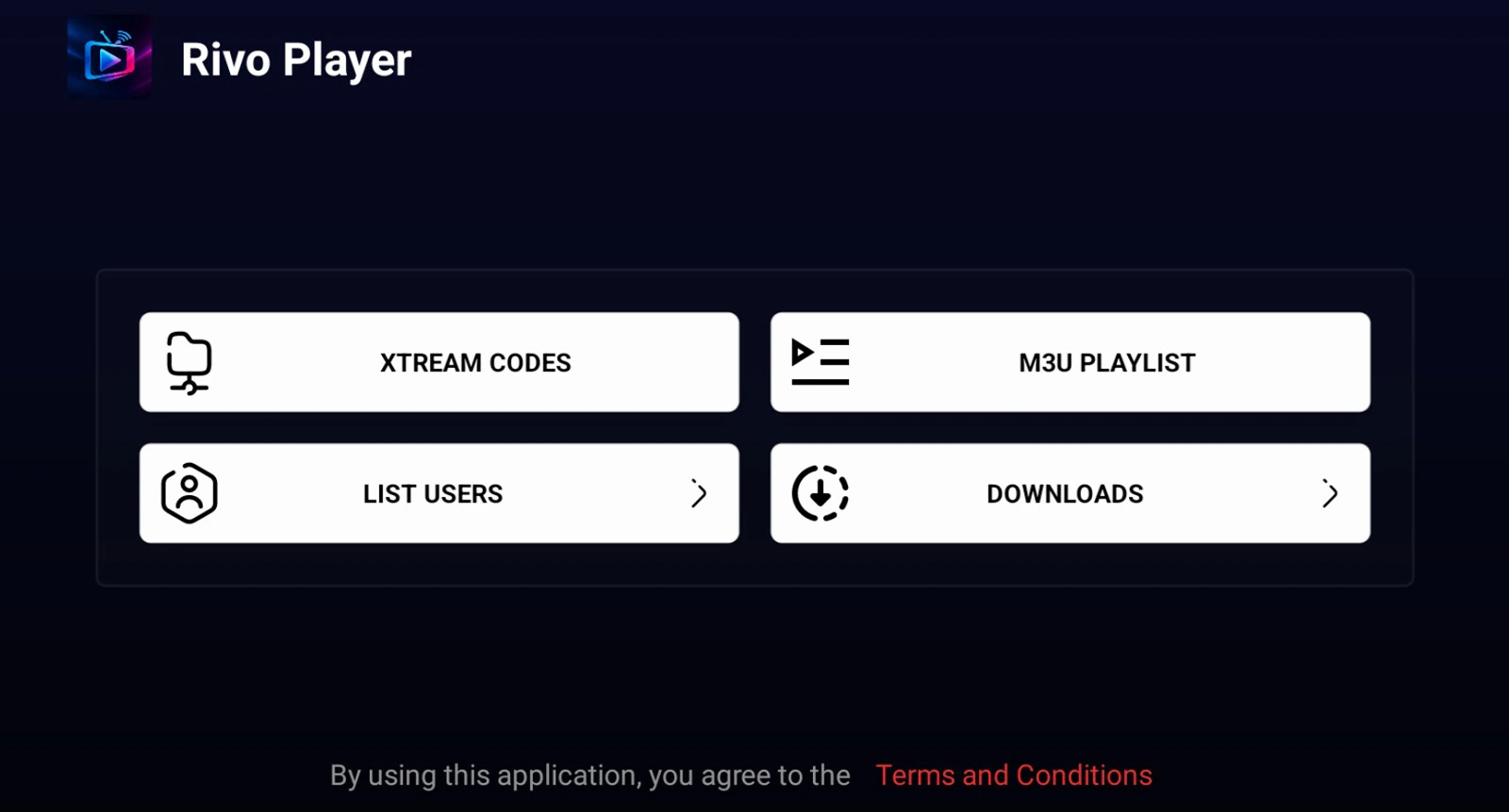
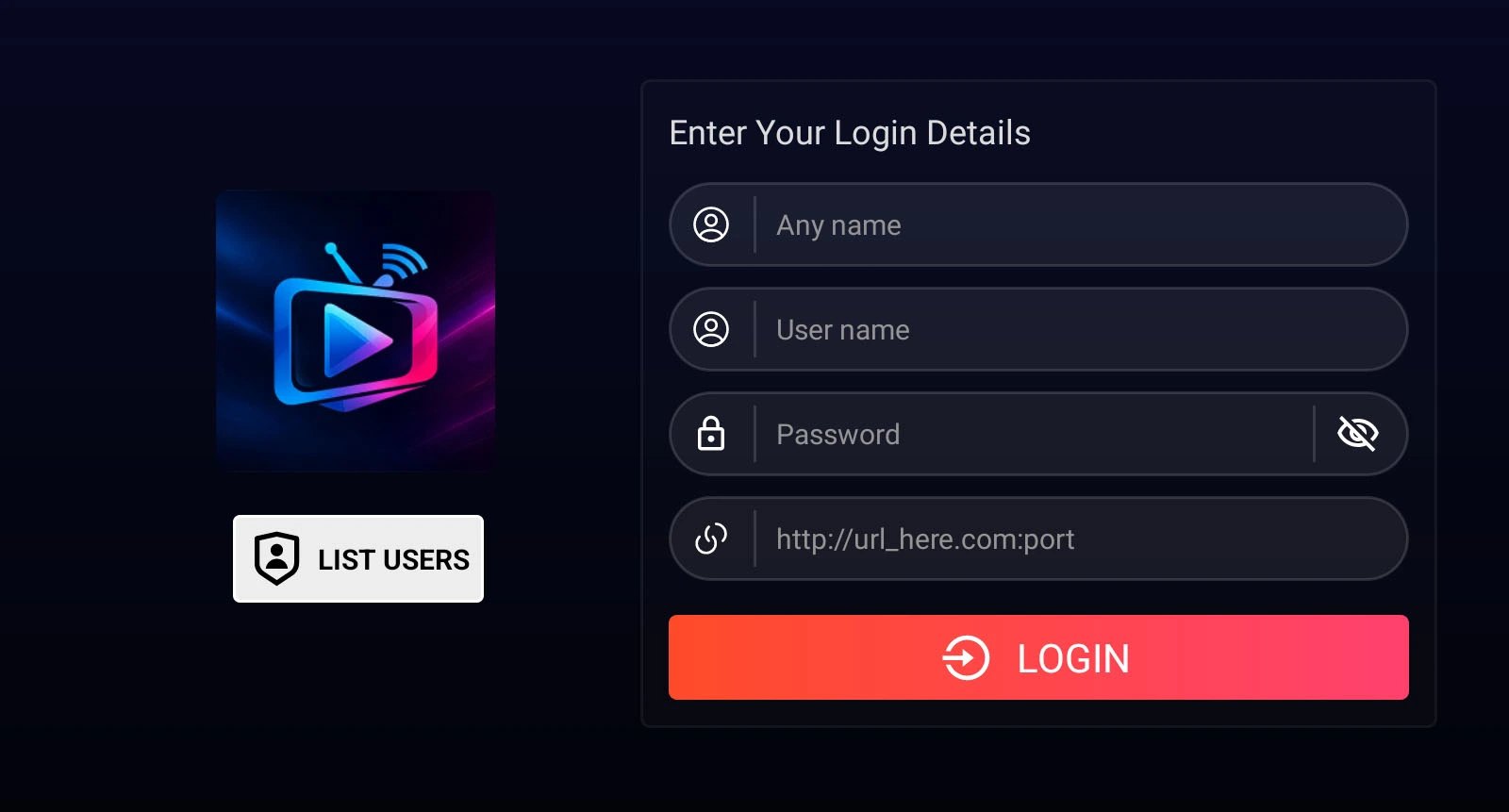
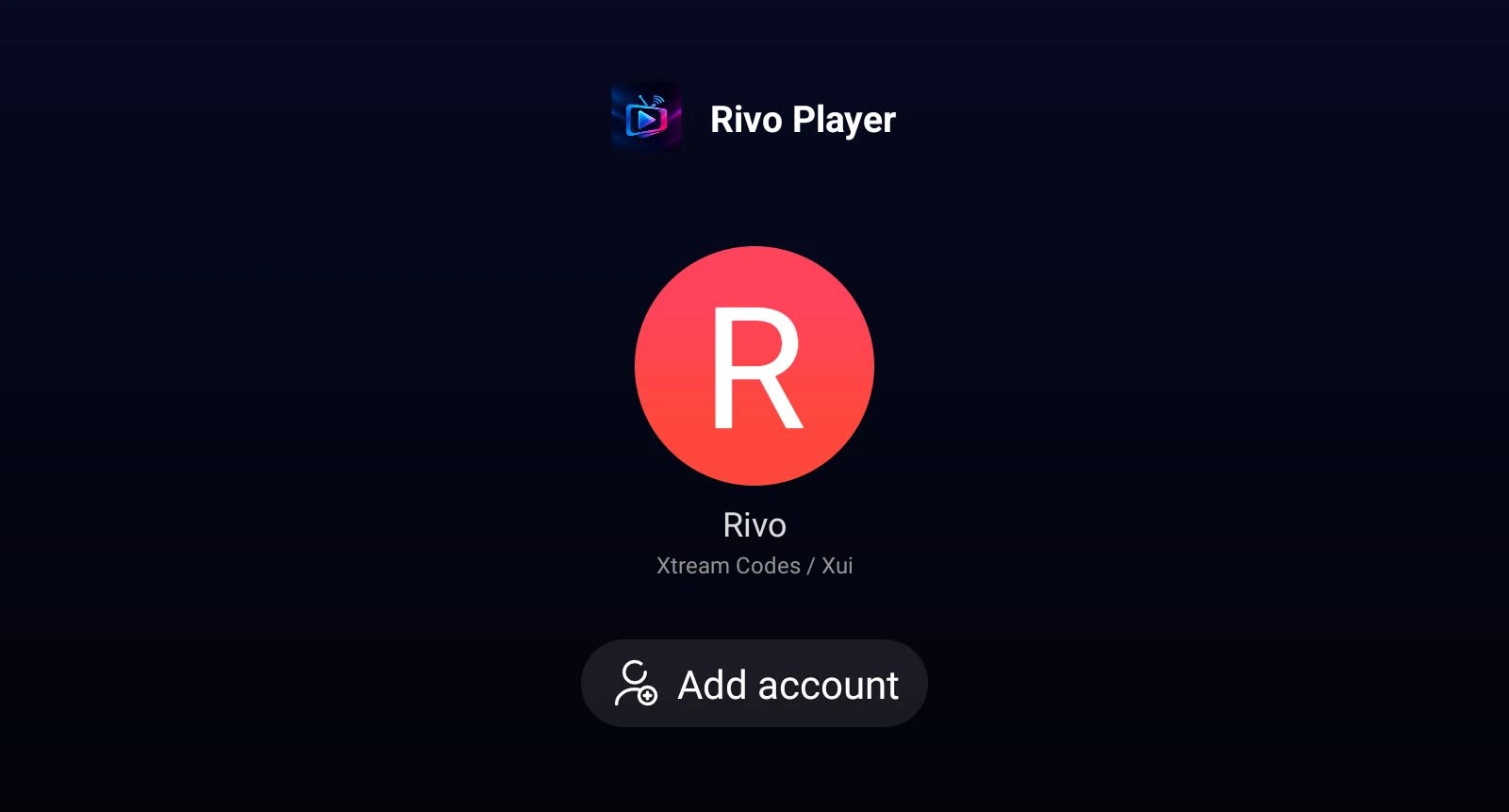
Open Rivo Player and tap "Enter Your Login Details" to add your IPTV service:
Profile name — any name you choose (e.g. "My Media")
Username — provided by your IPTV service
Password — provided by your IPTV service
Server URL — e.g. http://yourserver.com:port
Tap LOGIN to connect and load your content library.
5
Or Add an M3U Playlist
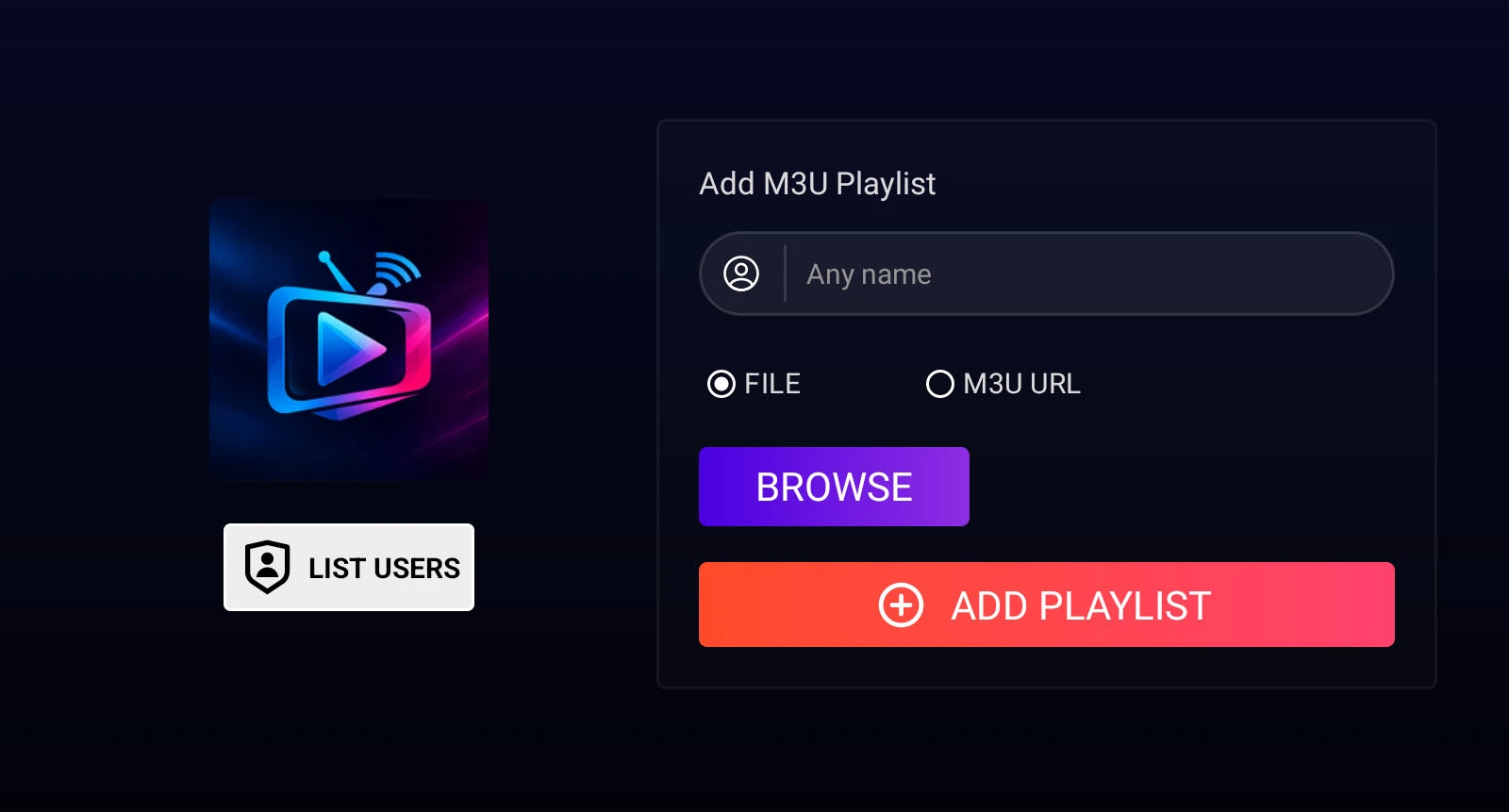
Alternatively, load an M3U or M3U8 playlist URL. From the main screen, select Add M3U Playlist and paste your URL. The app will automatically organize all channels by category.
6
Start Watching
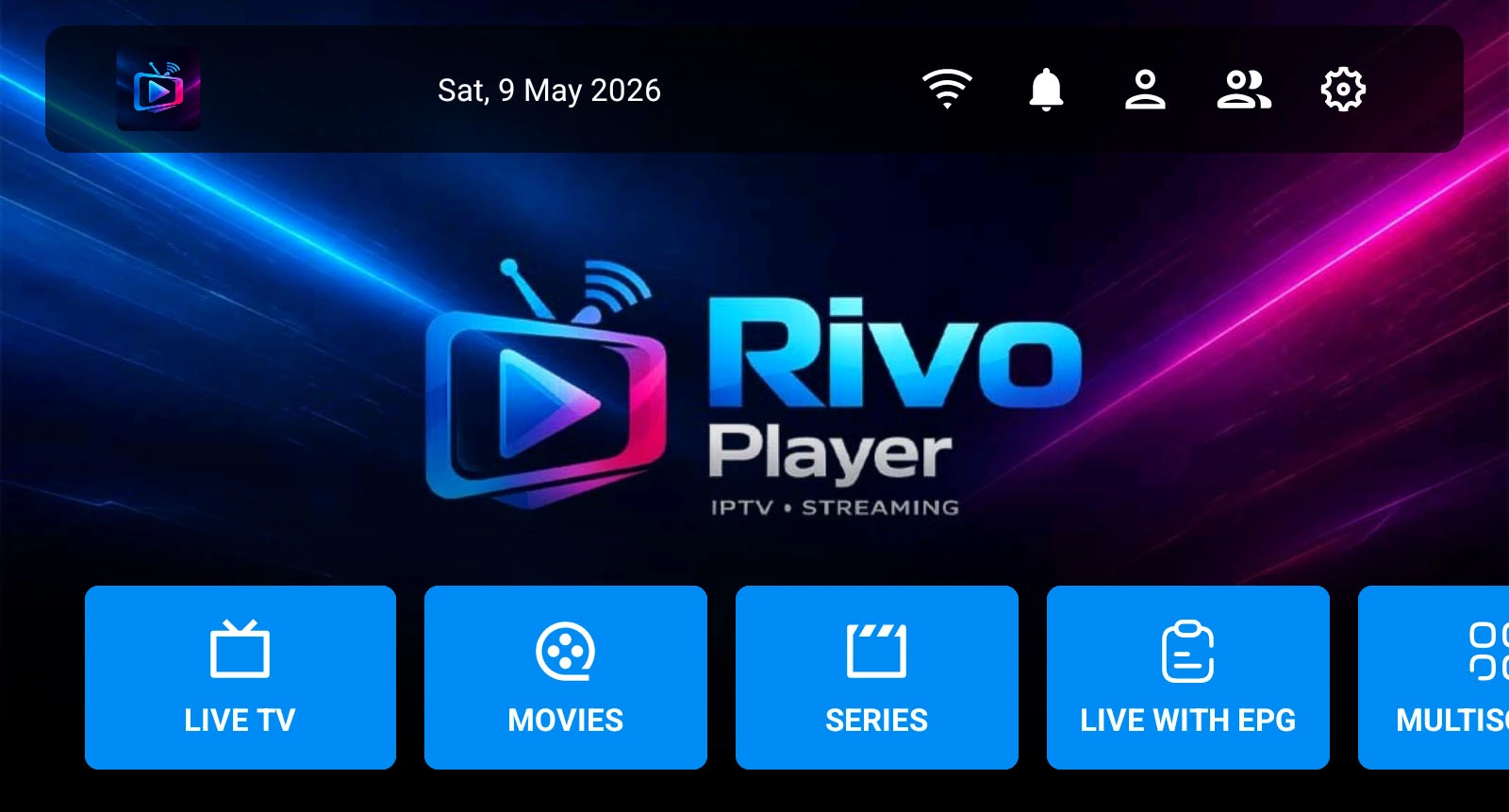
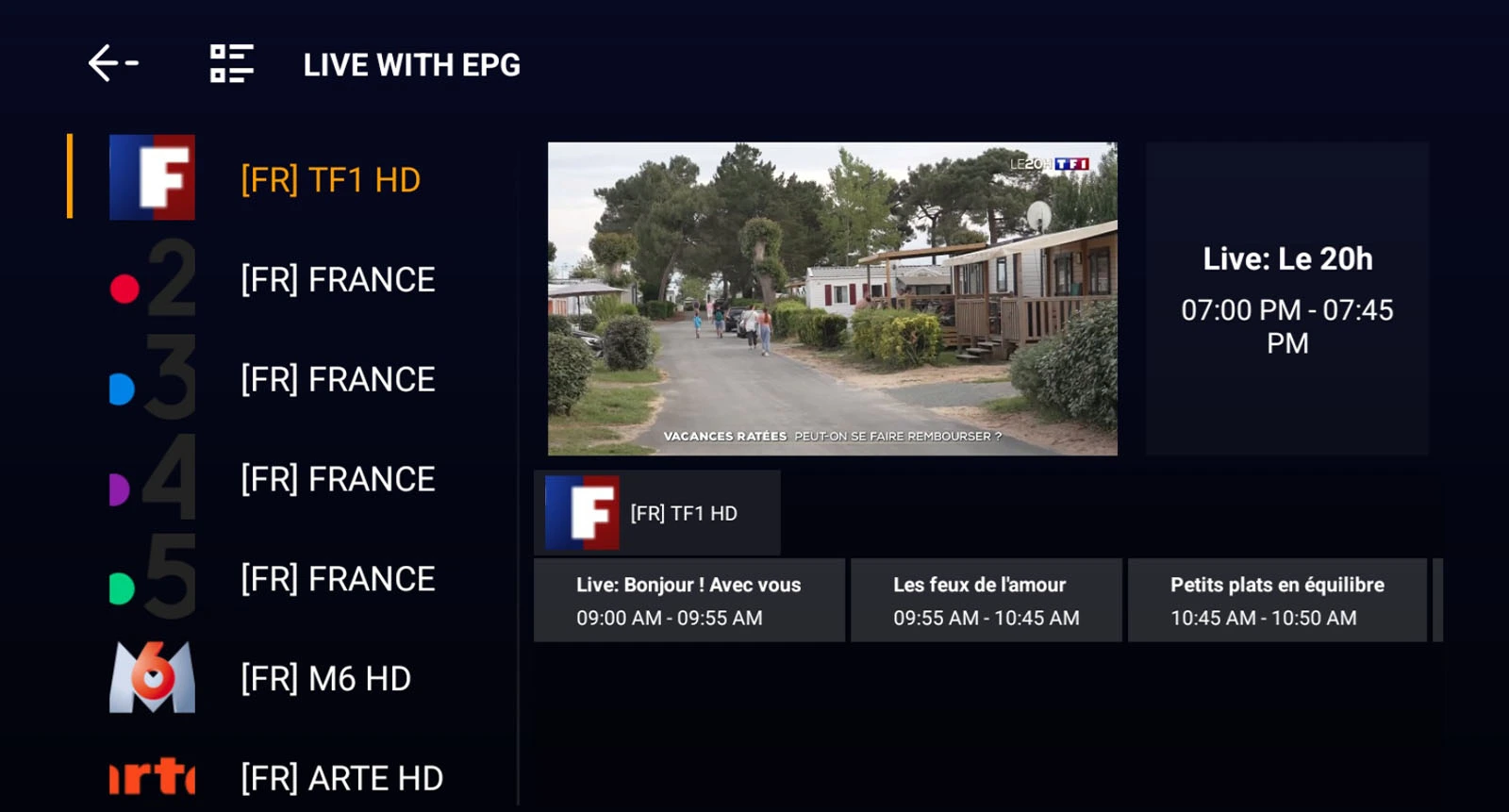
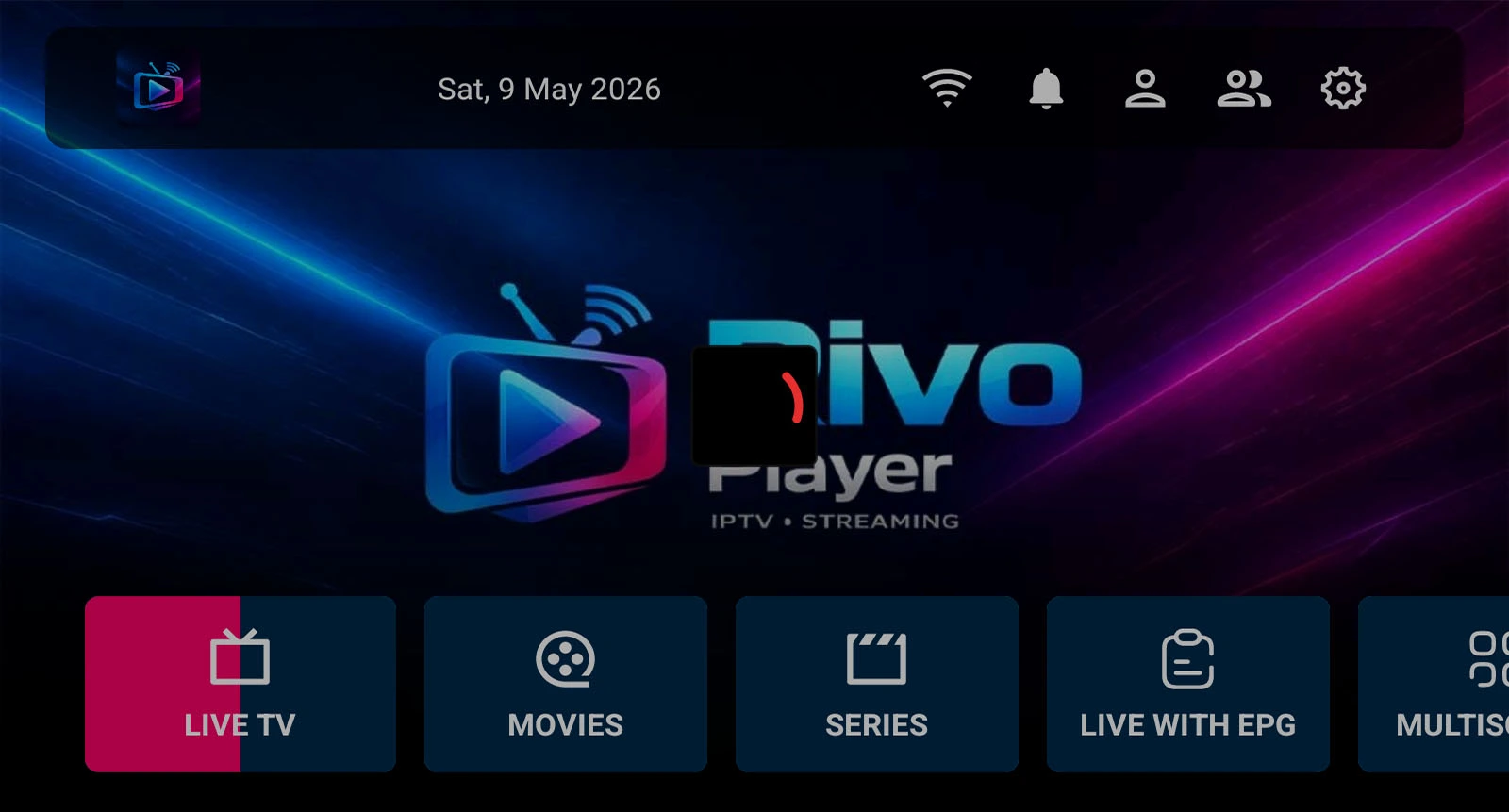
After connecting your playlist, the home screen shows your full content library. Navigate to Live TV, Movies, Series, or Live with EPG.
7
Add Multiple Playlists
Rivo Player supports multiple playlists simultaneously. Go to the user/profile section to add additional accounts and switch between them instantly from the home screen without re-entering credentials.
Download
Get Rivo Player
Free to install. Bring your own Media playlist or Xtream Codes account and start watching in minutes.
Direct APK
Download and sideload directly on any Android device or TV. No Play Store needed.
Having an issue? Check common problems below or reach out through any of our support channels.
Contact Us
Email Support
support@rivoplayer.com
Response within 24–48 hours
Telegram
@RivoPlayerSupport
Fastest response — usually same day
Common Issues
App won't install
Enable "Install Unknown Apps" in Android Settings → Security for your file manager or browser.
Channels not loading
Check your internet connection and verify your Xtream Codes credentials or M3U URL is correct and active.
Buffering / Freezing
Buffering is typically caused by your network speed or your IPTV provider's server. This is not an app issue — contact your IPTV provider.
EPG not showing
EPG support depends on your IPTV provider. Not all providers include EPG data with their service.
Send a Message
FAQ
Frequently Asked Questions
Everything you need to know about Rivo Player — installation, playlists, compatibility, and more.
What is Rivo Player?
Rivo Player is a premium Media player application for Android TV and Android mobile devices. It allows you to watch live TV, movies, and series from your own external playlist sources.
Does Rivo Player come with channels or content?
No. Rivo Player is a media player only. We do not provide, sell, distribute, or host any Media channels, movies, series, or other content. You must connect your own Media subscription or M3U playlist from a third-party provider.
How do I add my Media playlist or account?
You can add content in two ways: (1) Xtream Codes API — enter your server URL, username, and password on the login screen. (2) M3U Playlist — paste your M3U or M3U8 URL and the app will load your channels automatically. See the Installation Guide for step-by-step instructions.
Is Rivo Player free?
Yes, Rivo Player is free to download and install. There are no in-app purchases or subscription fees for the player itself.
What devices does Rivo Player support?
Rivo Player supports Android 5.0 and above. This includes Android TV boxes, Google TV, Amazon Fire TV, Fire TV Stick (all generations), and Android phones and tablets.
What is the Downloader code for Android TV?
The Downloader code is 1837784. Install the free Downloader app from your TV's app store, open it, enter this code in the URL field, and follow the prompts to install Rivo Player.
Can I add multiple playlists?
Yes. Rivo Player supports multiple playlists and accounts. You can add several Xtream Codes accounts or M3U playlists and switch between them instantly from the app's profile menu.
Does Rivo Player support EPG / Electronic Program Guide?
Yes. Rivo Player has built-in EPG support so you can see current and upcoming programs for your channels — provided your IPTV subscription includes EPG data.
Why is my content buffering?
Buffering is almost always caused by your internet connection speed or your IPTV provider's server capacity — not the Rivo Player app itself. Check your internet speed, try restarting your router, or contact your IPTV provider if the issue persists.
Is my data and login information safe?
Yes. Your IPTV credentials are stored locally on your device only. Rivo Player does not collect, transmit, or store your account credentials or viewing data on any external servers. Your privacy is fully protected.
Does Rivo Player support Catch-up TV?
Yes, Rivo Player supports Catch-up functionality. This allows you to rewind and watch previously broadcast programs. Catch-up availability depends entirely on your IPTV provider — not all providers offer this feature.